Blog
Post news and offers in minutes. Type or speak, add a photo, publish.
Free · Plus US$10/month
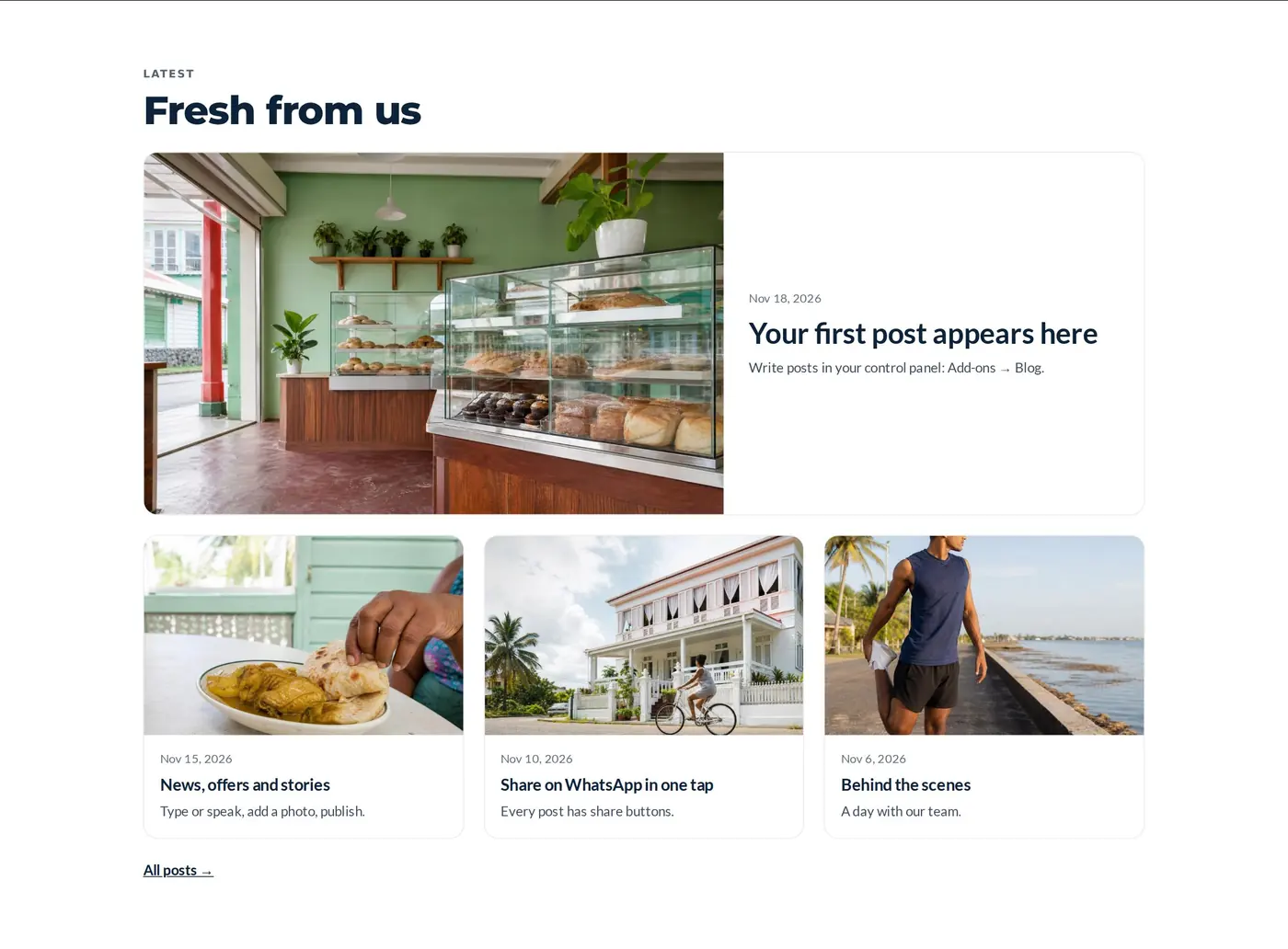
Keep customers coming back, and get found on Google.
Every post is a new page that can bring in visitors searching for what you do.
Type or speak, add a photo, publish. Done.
WhatsApp, Facebook and X buttons on every post.
New arrivals, weekly specials and holiday hours.
Tips and answers that show you know your field.
News, events and notices in one place.
Stories and guides that bring visitors from Google.
Designs that match your website.
Pick a design, type your words, done. Every design takes your colours and fonts, and looks right on phones.
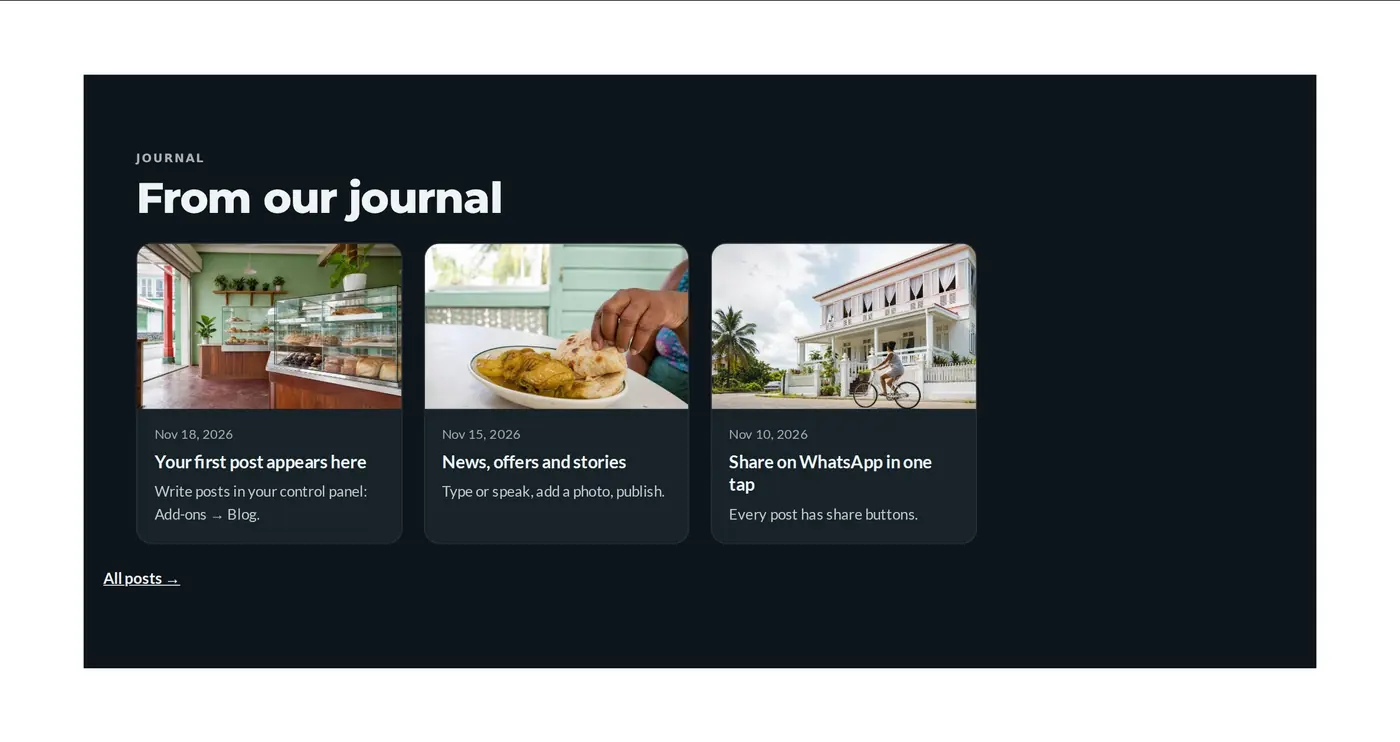
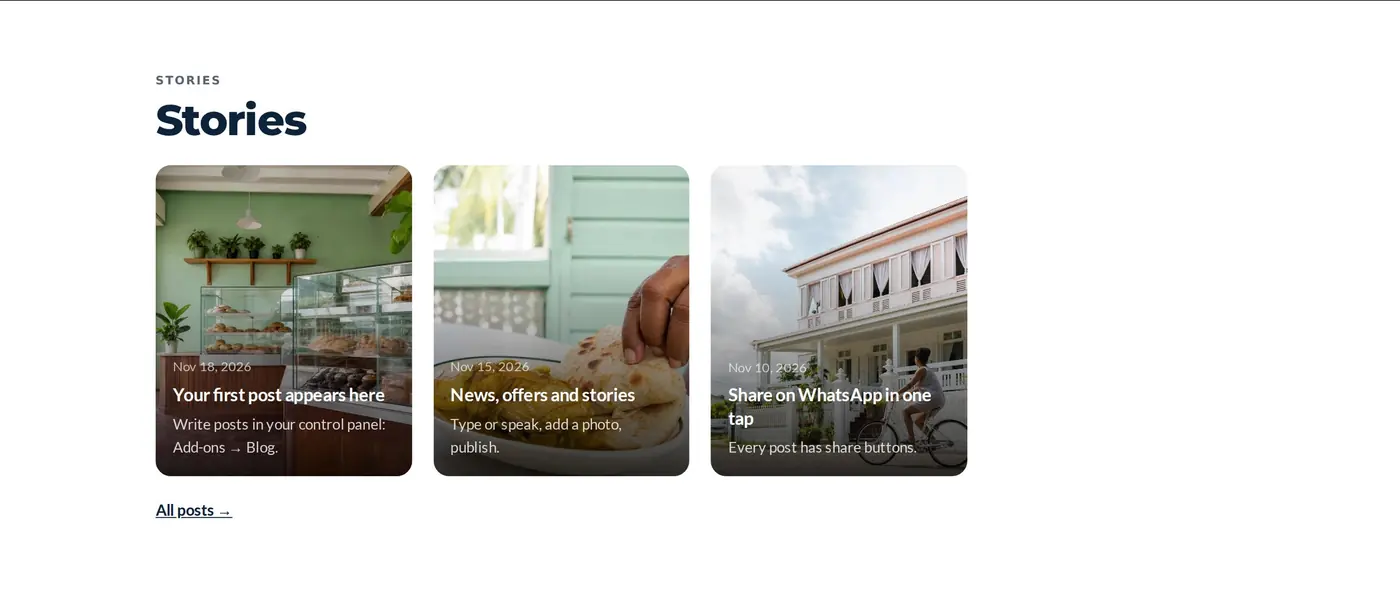
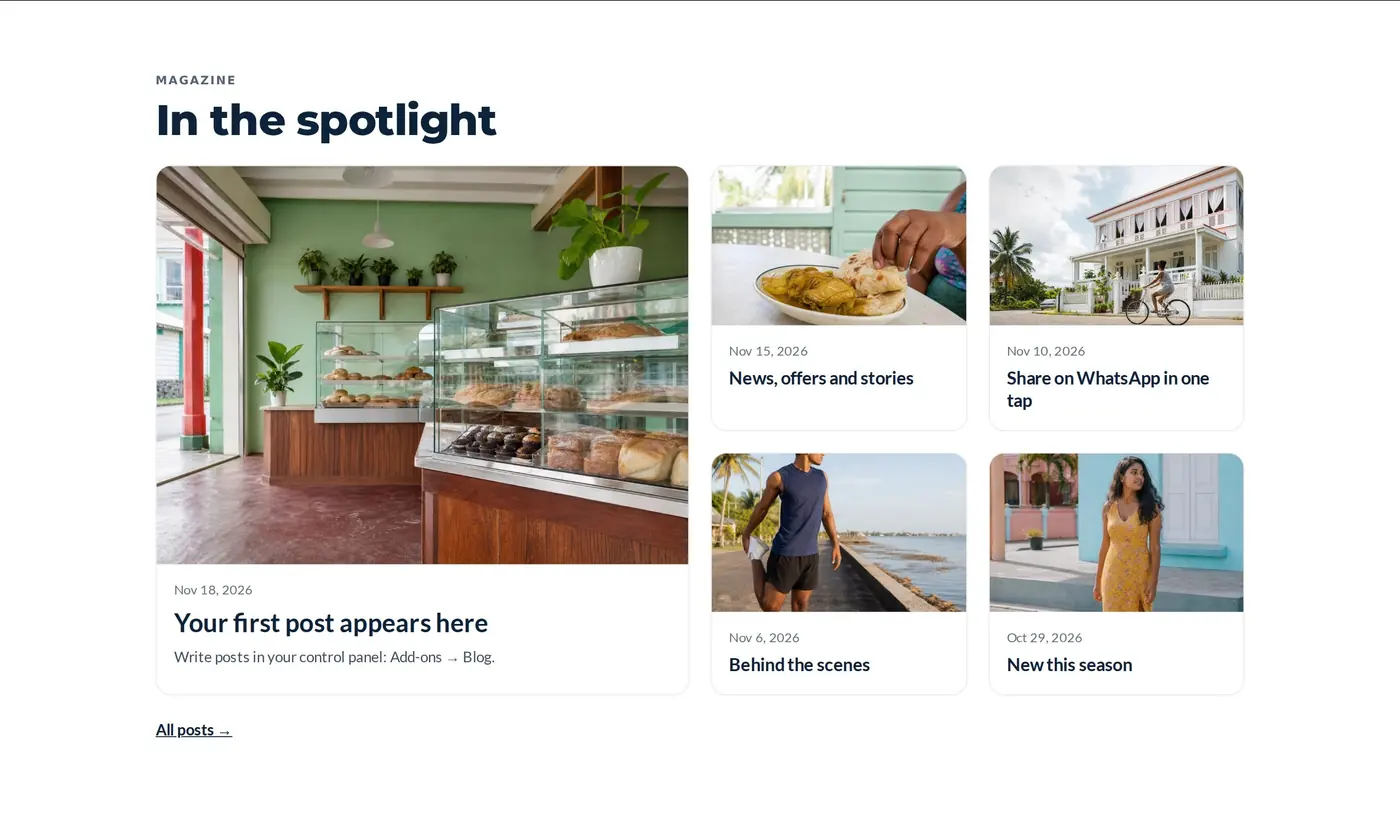
Ready in a few minutes.
Write or speak
Type your post, or tap the microphone and talk.
Add a photo
One photo per post, straight from your phone.
Share it
Every post has WhatsApp, Facebook and X buttons.
Start free. Upgrade when you need more.
| Free | Plus | |
|---|---|---|
| One simple Posts page: type or speak, add a photo, publish | ||
| Share buttons on every post | ||
| Posts appear on your website straight away | ||
| AI tidies your writing and suggests a title | — | |
| Schedule posts for later | — | |
| Post to your social pages at the same time | — | |
| Or US$100 a year | — |
Good to know.
Where do posts appear?
On your Blog page, and the newest ones wherever you add “Latest posts”.
What does Plus add?
Schedule posts for later now; AI writing help and posting to your social pages are coming.